

Design in the Garage
Choose and tune one design in the dashboard's Garage — the bar, the chat window, the booking sheet and the call screen — preview it on an iPhone, an Android phone and a website, save it, and read the same tokens in your app to draw your own screens beside it.
One design, chosen and tuned in the Garage, is what every SDK draws: the launcher and the bar, the chat window, the components, the booking sheet and the call screen — on your website and in every app. Nothing in your code names a colour or a font. A saved change reaches a website on its next page load and an app the next time it starts.
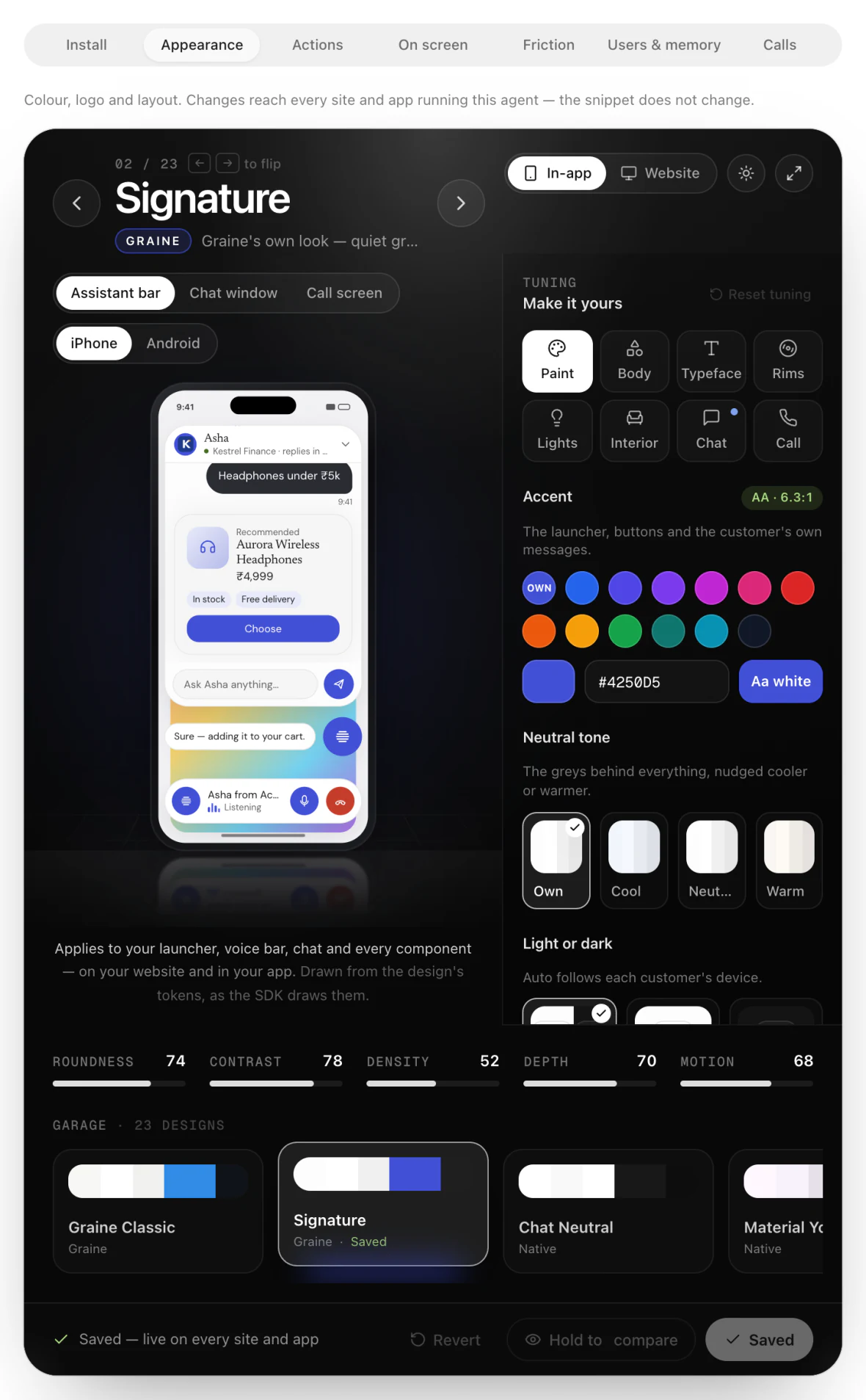
What to do, in order
- Open the Garage: Agent → Embed & Widgets → Appearance.
- Pick a design from the row under the stage (23 of them), and the surface to preview: In-app (iPhone or Android) or Website, light or dark.
- Tune the whole look on the rail's tabs — Paint (accent, neutral tone, light or dark), Body (roundness, launcher shape, shadow), Typeface, Rims (launcher glyph, icon style), Lights (motion, glass), Interior (bubbles, frame, density).
- Tune each surface: the Chat tab (window size, title and subtitle, avatar, header, background, booked calls, earlier messages, New conversation button, starters, placeholder, timestamps) and the Call tab (background, avatar and its shape, end button, buttons on a call, captions, timer, ringtone, the words for each moment). The preview follows each choice.
- Save design. Under Setup: what visitors get, opens on, call audio, your logo, heading and loader.
- Restart your app to see it (a website reloads). → Every surface draws the new design; the booking sheet uses the chat window's colours, fonts and corners.
- Draw your own screens beside the SDK's from the same tokens, if you need to (below).
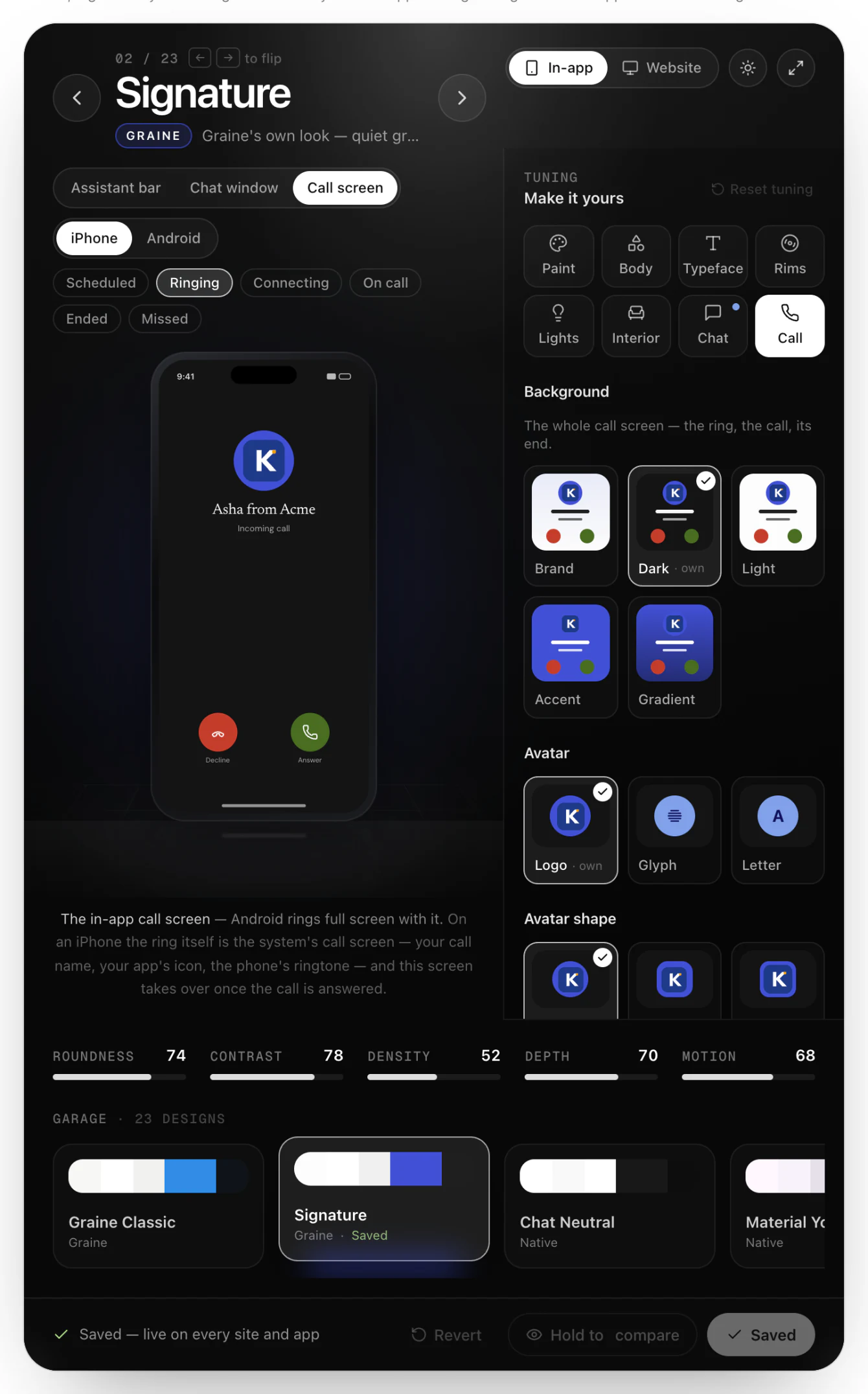
Every control, tab by tab, with what each changes: The Garage → Tuning.
The code, platform by platform
Nothing is needed for the SDK's own surfaces. This is for a screen of yours that should match them.
GraineConfig(chatSize:) overrides the window size for this app.
Troubleshooting
| What you see | Why | Fix |
|---|---|---|
| The phone does not match the Garage | The app has not restarted since the save, or the design was not saved | Save design; restart the app — When the phone does not match the Garage |
| The font is the system's | React Native without loadFont | Pass loadFont={Font.loadAsync} to the provider |
| The chat is not the size the Garage says | Your config or an open call passes a size | Remove the override |